TI-84 calculator for SAT: 2026 SAT Rules & Tips for ACT
If you’re gearing up for the SAT, ACT, or an AP exam, chances are your TI-84 is already sitting on your desk. But before test day, it’s smart to check the rules for the specific exam you’re taking and to practice using a TI-84 calculator online if you don’t want to rely on your physical device alone.
The good news is simple: a TI-84 calculator for the SAT, as long as it’s a non-CAS model, and TI-84 models also work for the ACT and several AP exams, provided they meet each program’s current restrictions. This guide breaks down what’s approved, what’s banned, and how to get your TI-84 calculator SAT-ready for 2026.
Is a TI-84 Calculator for SAT Testing Allowed?
Yes. A non-CAS TI-84 model works as a TI-84 calculator for SAT testing, provided it meets the College Board’s current SAT calculator policy.
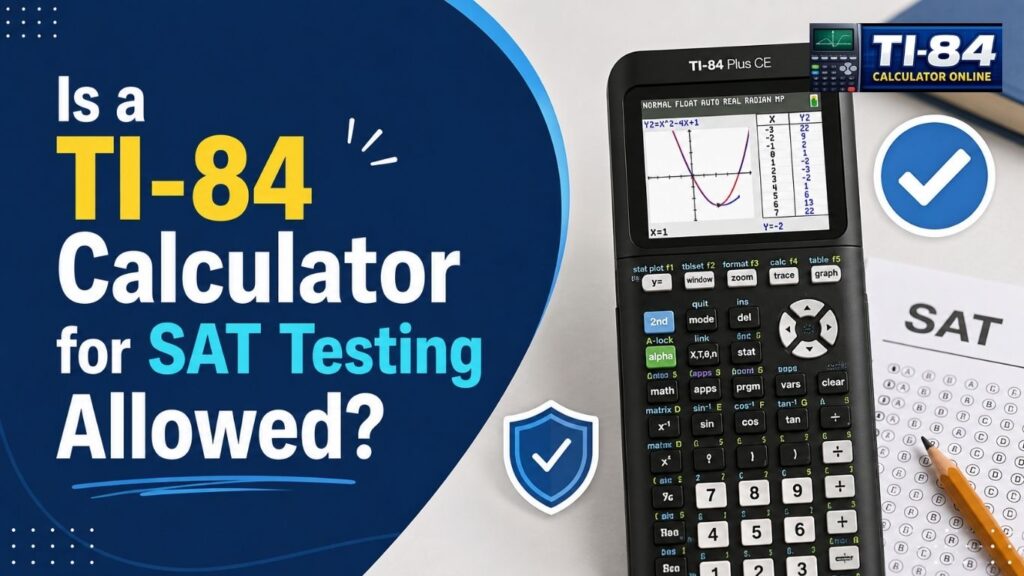
The College Board doesn’t maintain a specific list of permitted graphing calculator models for the SAT. Instead, students can bring any approved handheld calculator or use the built-in Desmos calculator in Bluebook, as long as the device doesn’t have prohibited features. Calculators with a computer algebra system (CAS) are no longer allowed anywhere in the SAT Suite of Assessments, which also covers the PSAT and PSAT 10. College Board also requires students to remove any programs with algebra functionality, such as those that solve equations or factor and expand algebraic expressions, before test day.
Since a non-CAS TI-84 model doesn’t have CAS capability, it meets this core requirement, but you should still check your calculator’s stored programs before the exam rather than assuming the model name alone clears you.
Table of Contents
Which TI-84 Models Work as a TI-84 Calculator for SAT?
The College Board no longer publishes a specific approved-model list for the SAT. Instead, it allows non-CAS graphing, scientific, and four-function calculators that meet its current restrictions.
Common non-CAS TI-84 models include the TI-84 Plus, with its long-standing monochrome display; the TI-84 Plus CE, a color-screen model widely used for algebra, statistics, and graphing; the TI-84 Plus CE Python, which adds Python programming on the same CE hardware; and the TI-84 Evo, a newer model released in 2026. None of these include CAS functionality, so they fit the non-CAS category the SAT requires.
Having Python or TI-BASIC capability does not automatically make a TI-84 illegal for the SAT. However, students should still follow the exam’s current program rules and remove anything with algebra-solving functionality before testing, rather than assuming a Python-capable calculator is exempt. If you use your TI-84 for coursework, our TI-84 calculator programming guide explains how these programs work and what to check before an exam.
Digital SAT and Desmos: Do You Still Need a Handheld?
You don’t have to bring a handheld calculator to the digital SAT. The Bluebook testing app includes both scientific and graphing versions of the Desmos calculator, available across the entire Math section on the current digital format.
You can also bring your own permitted handheld calculator if you prefer. College Board recommends using a calculator you’re already familiar with rather than learning a new interface on test day. A non-CAS TI-84 model can still be a strong choice if you’ve practiced with it extensively in class, since familiarity often saves time during the exam. If you don’t have access to a physical unit at home, you can try our TI-84 simulator or use a TI-84 calculator without download to keep practicing.
TI-84 Calculator for ACT: Same Rules?
A TI-84 calculator for ACT testing is permitted, following a similar approach to the SAT, with its own specific program requirements under ACT’s official calculator policy.
ACT allows four-function, scientific, and graphing calculators unless they appear on its prohibited list or require modification. Calculators with built-in or downloaded CAS functionality are banned. If your calculator stores programs or documents, ACT requires you to remove all documents and any programs with CAS functionality before the test; disabling a prohibited program isn’t enough; it must be removed entirely.
If you’re not sure what’s still stored on your device, our guide on how to reset a TI-84 calculator walks through clearing it safely before test day. ACT does allow certain single-purpose, non-CAS math programs, so if you’re unsure whether a specific program qualifies, the safer move is to remove it before test day.
Like the SAT, the online version of the ACT also includes an embedded Desmos graphing calculator during the math section, so you have a backup either way.
TI-84 for AP Calculus and AP Statistics
TI-84 for AP Calculus
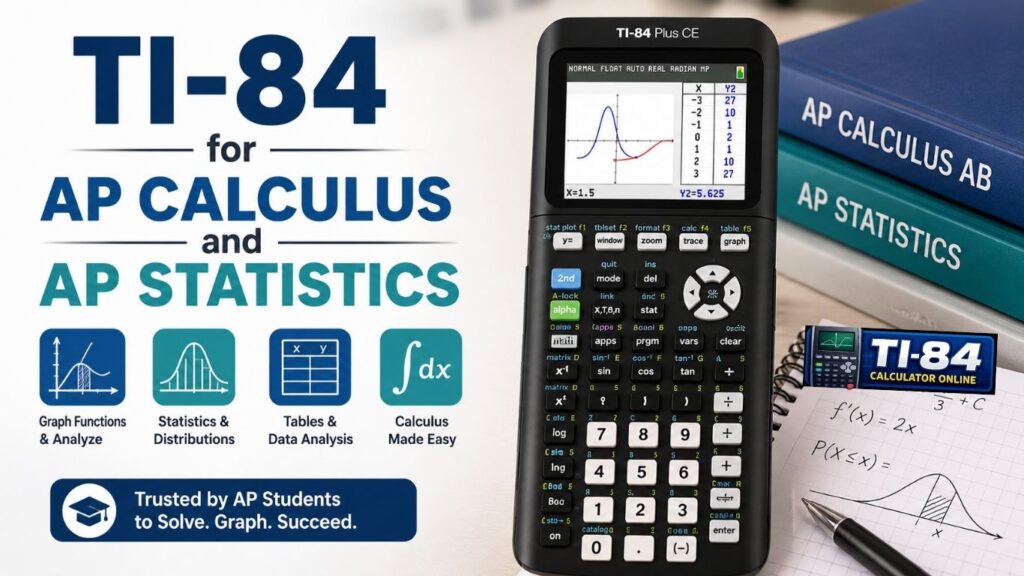
For AP Calculus AB and BC, a graphing calculator is required during the calculator-required portions of the exam; other portions of the exam do not permit a calculator at all, so check which sections apply before test day. College Board’s approved graphing-calculator list for AP Calculus includes the TI-84 Plus, TI-84 Plus CE, TI-84 Plus CE Python, and TI-84 Evo.
A suitable calculator for these sections needs to graph functions, find zeros, and compute numerical derivatives and numerical definite integrals. See our walkthrough on how to graph on a TI-84 calculator if you need a refresher. The built-in Desmos calculator is available only during the calculator-required parts of AP Calculus AB, AP Calculus BC, and AP Precalculus, not during the no-calculator portions.
TI-84 for AP Statistics
For the 2026 AP Statistics Exam, College Board’s approved graphing-calculator list includes the TI-84 Plus, TI-84 Plus CE, TI-84 Plus CE Python, and TI-84 Evo, and calculator use is expected across both the multiple-choice and free-response sections. For the 2026 exam, a graphing calculator with statistical capabilities is allowed, and the built-in Desmos graphing calculator is also available through Bluebook.
There’s also an important upcoming change to know about: starting with the 2027 AP Statistics Exam, non-graphing calculators will not be allowed under any circumstances, even those with the required statistical functions. This mainly affects students planning ahead for the 2027 exam cycle; for 2026, students should follow the approved model list that applies to their specific exam year rather than the 2027 update.
Before any AP exam, check the current AP calculator policy for that specific subject and confirm your calculator complies with College Board’s device and storage rules, since these details can vary by exam and can change year to year.
TI-84 Plus CE vs. TI-84 Evo: Which One for Test Day?
If you’re deciding between a TI-84 Plus CE and a TI-84 Evo, exam eligibility shouldn’t be the only factor, since both currently appear on the College Board’s approved graphing-calculator list. Our full TI-84 Evo vs TI-84 Plus CE comparison covers the differences in more depth if you’re still deciding which one to buy.
The TI-84 Plus CE offers a color display, a rechargeable battery, and a familiar interface that many students already know from class; you can check its current TI-84 Plus CE OS version before test day to make sure it’s up to date.
The TI-84 Evo is a newer release with faster hardware, a larger graphing workspace, and built-in Python capabilities. See TI-84 Evo features explained for a closer look. If you already own a working TI-84 Plus CE, there’s generally no exam-related reason to upgrade. The better choice is usually the calculator you already know how to use, provided it meets the rules for your specific test.
TI-84 Calculator for SAT Test-Day Checklist
- Check the rules for your specific exam, since SAT, ACT, and AP policies are not identical.
- Use a calculator you know well rather than bringing an unfamiliar model for the first time. Our guide on how to use a TI-84 calculator is a good refresher if it’s been a while.
- Check your calculator’s programs and documents. SAT requires programs with algebra functionality to be removed; ACT requires all documents and CAS programs or apps to be removed if your calculator can store them.
- Make sure the calculator works properly before test day.
- Charge rechargeable models or bring reliable batteries for models that use replaceable batteries.
- Bring a backup calculator when the exam rules allow it. For AP exams, the College Board allows up to two permitted handheld calculators.
- Practice with the exact calculator you plan to use, or with a virtual TI-84 graphing calculator if yours isn’t available.
- If you’re taking a digital exam, practice with the built-in Desmos calculator too.
Is Desmos Better Than a TI-84 Calculator for SAT?
Neither option is automatically better for every student. The built-in Desmos calculator is convenient since it’s already available in Bluebook across the Math section, and it can be especially useful for graphing functions and checking intersections. A non-CAS TI-84 model may feel faster if you’ve spent months or years practicing with its menus and functions, and you can build that familiarity ahead of time with a TI-84 graphing calculator online.
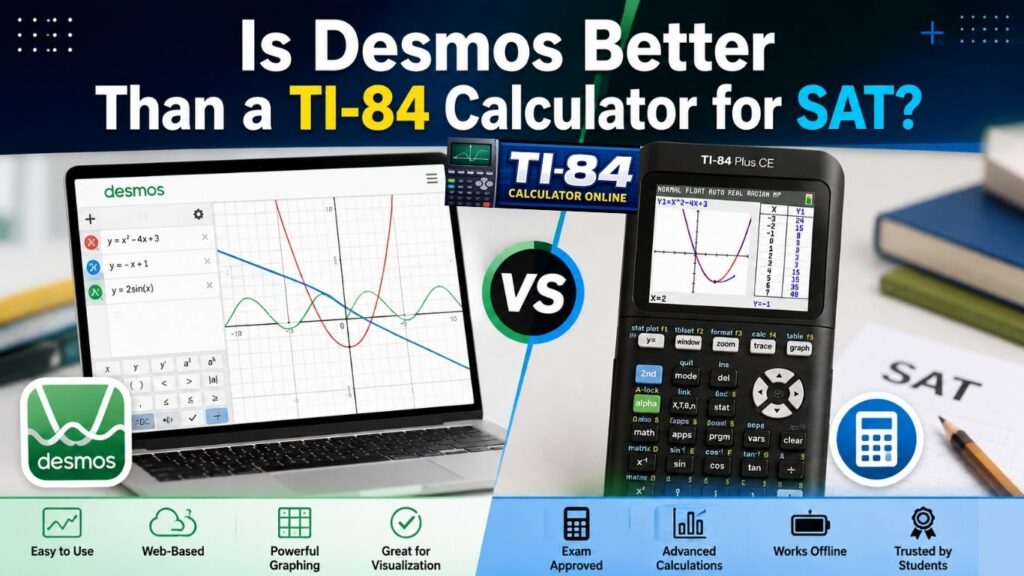
You can choose the built-in Desmos calculator, your own approved handheld TI-84, or switch between the two during the exam, depending on what you know best. College Board specifically recommends practicing with whichever calculator you plan to use before test day.
Frequently Asked Questions
Final Thoughts
A TI-84 calculator for SAT, ACT, or AP testing remains a practical choice for students when the specific model and configuration meet the current exam rules. Whether you’re using an older TI-84 Plus, a TI-84 Plus CE, or the newer TI-84 Evo, check the calculator policy for your specific exam to confirm that your model and configuration meet the current requirements.
Double-check your specific exam’s rules, clear out any prohibited programs or documents, and walk in with a calculator you already trust. Rules can change, so the official testing organization’s website should always be your final source before an exam.
Official Sources and Calculator Policies
Rules can change, so always confirm the current policy directly with the testing organization before your exam:
2 Comments