
TI-84 Evo Features Explained: What’s New in 2026
The TI-84 Evo features introduced by Texas Instruments on April 28, 2026, make it a major update to the TI-84 calculator family. Key upgrades include a faster processor, a larger graphing area, USB-C charging, built-in Python, and a redesigned interface.
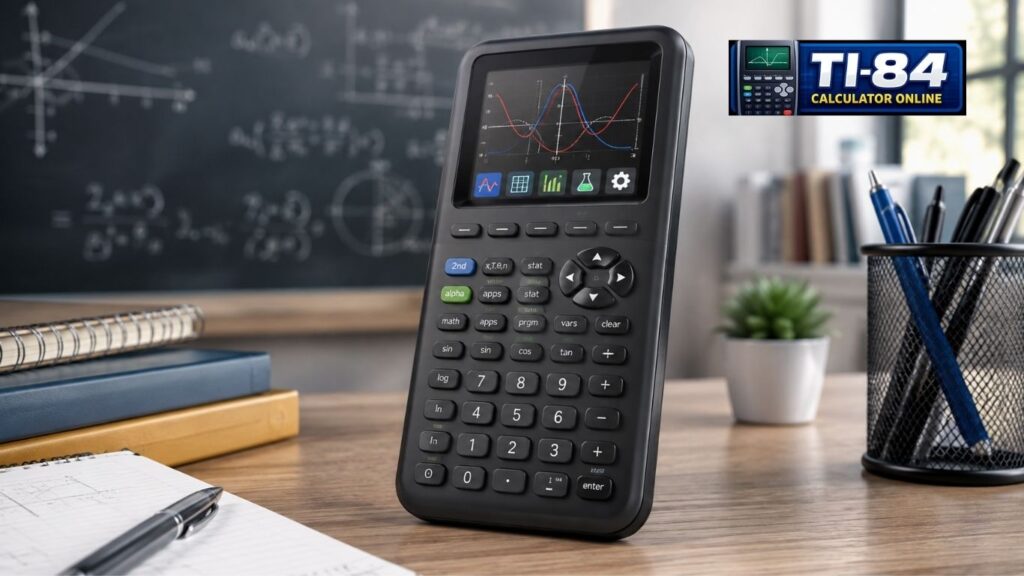
This TI-84 Evo features explained guide covers each major upgrade, how it compares with the TI-84 Plus CE, what to check before upgrading, and which exams allow it. Launch pricing for individual buyers was reported at about $160, so check TI’s store or your retailer for the current price.
TI-84 Evo vs. TI-84 Plus CE at a Glance
| Feature | TI-84 Evo | TI-84 Plus CE |
| Processor speed | 156 MHz | 48 MHz |
| Graphing display area | 319 × 209 pixels (50% larger) | 264 × 165 pixels |
| Port | USB-C | Mini-USB |
| Rechargeable battery | Yes | Yes |
| User-available memory | 3.5 MB | 3.0 MB |
| Python | Built in | Separate Python Edition (varies by model) |
| Home screen | Icon-based | Traditional menu |
| Points of Interest Trace | Yes | No |
Texas Instruments’ official comparison on its TI-84 Evo page confirms the processor speeds, the graphing-area increase, and the connector change. The pixel counts and memory figures come from TI’s product sheet. Because Python availability on the Plus CE depends on the specific model, check your own calculator before deciding.
TI-84 Evo Performance and Hardware Upgrades
The hardware changes are where you will notice the biggest jump. A faster processor, a bigger graph, and modern charging all help during homework and timed tests.
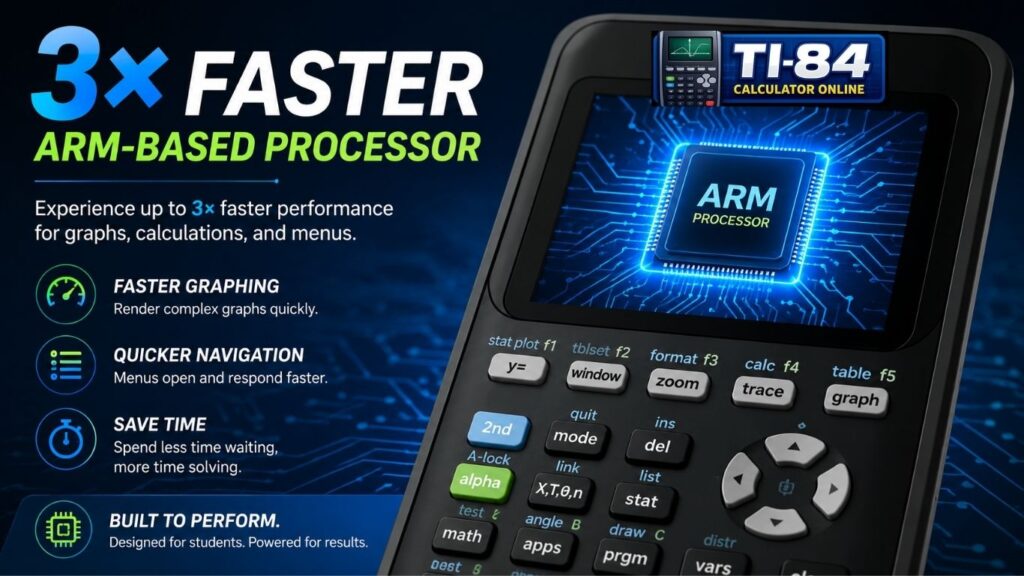
156 MHz Processor: Up to 3× Faster
The Evo runs a 156 MHz processor, compared with 48 MHz in the TI-84 Plus CE. Texas Instruments says this delivers up to 3× faster performance, and actual gains vary by task. In practice, expect quicker graph redraws and less waiting when you switch between menus and tools.
50% More Graphing Area
The graphing display grows from 264 × 165 to 319 × 209 pixels, which is roughly 50% more visual space. That extra room helps most when you are:
- Comparing several functions on one graph
- Studying equations with a lot of detail
- Reading data points during a test
New to graphing? Our guide on how to graph on a TI-84 calculator walks through the basics step by step.
Table of Contents
USB-C Charging and Connectivity
The Evo replaces the older Mini-USB connector with USB-C. According to Texas Instruments’ support page, the same port also handles OS upgrades and file transfers. A built-in rechargeable battery powers the calculator, so you do not need to buy AAA batteries.
Interface and Usability Improvements
A powerful calculator only helps if you can find its tools quickly, so TI redesigned the interface. The changes help beginners the most.
Icon-Based Home Screen
Instead of a plain text menu, the Evo opens to a grid of icons for the tools you use most, such as graphing, tables, apps, and settings. This gets you where you need to go with fewer button presses, and it is friendly to first-time users.
Simplified Keypad, Smarter Menus, and a Status Bar
TI also redesigned the keypad to reduce visual clutter, and it reorganized menus into clearer categories and subcategories with shorter wording. A yellow status bar at the top of the screen offers hints as you work, without giving away answers. For students learning a graphing calculator for the first time, these changes can reduce confusion and speed up learning.
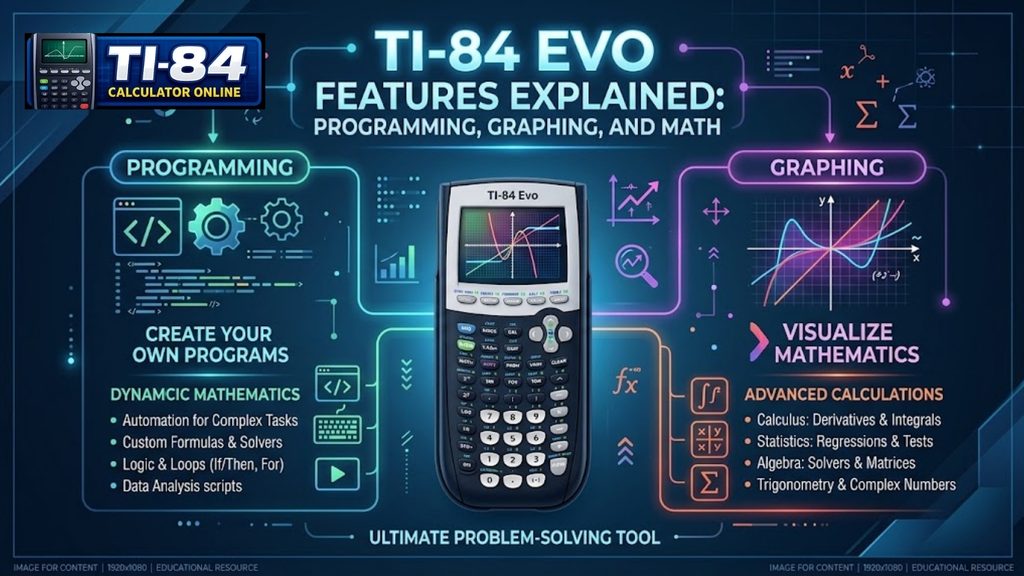
TI-84 Evo Features Explained: Programming, Graphing, and Math
Built-In Python
On the TI-84 Plus CE line, Python was offered in a separate Python Edition. On the Evo, Python is built in alongside classic TI-BASIC. That means:
- You do not need to hunt for a special edition to use Python.
- Your programs run on the faster processor.
- A calculator is a low-pressure way to start coding, and programs can also store formulas you use often.
Ready to write your own programs? Start with our TI-84 calculator programming guide.
Points of Interest Trace
This is one of the Evo’s standout tools. When you graph a function and press trace, the calculator jumps to and highlights important points automatically, including:
- Zeros
- Local maximum and minimum points
- Y-intercepts
- Intersections between functions
To use it, enter your function, open the graph, and press trace. The feature is on by default, so it saves time on homework and exams alike. It is especially useful in algebra and pre-calculus, where finding intercepts and intersections is routine.
Redesigned Lines and Conics App
The redesigned Lines and Conics app adds equation templates, lets you trace function intersections, and helps you explore relationships across multiple conics. Algebra and pre-calculus students who work with conic sections often will get the most from it.
Built-In Math Tools
The Evo covers a wide range of coursework out of the box:
- Graphing of Cartesian, parametric, and polar functions, plus recursively defined sequences and inequalities
- Sequence graphing with time series, cobweb, and phase plots
- Statistics tools, including hypothesis tests, confidence intervals, and probability distributions
- Matrix operations such as inverse, determinant, and transpose
- Finance and probability tools
Together, these support classes from algebra and calculus to statistics and engineering. The Evo is not a computer algebra system (CAS) calculator, so it does not manipulate algebra symbolically.
Who Benefits Most from the TI-84 Evo’s New Features?
Not every student needs every new feature, but a few groups get the most value from the TI-84 Evo upgrades:

Before You Upgrade: Compatibility
This is the part many spec lists skip. According to community coverage on ticalc.org, TI-BASIC programs written for the TI-84 Plus CE cannot be transferred directly to the Evo, though a community-built online converter exists to translate older programs. The same coverage reports that the Evo restricts third-party assembly and C programs, much like late-model Plus CEs. Early reviews also describe the Evo as a strong quality-of-life upgrade for students but a mixed bag for hobbyist programmers.
What this means for you:
- If you mostly graph, run statistics, and use built-in apps, compatibility is unlikely to matter.
- If you rely on a library of older TI-BASIC programs or games, test them before you commit.
- Regional models exist. In some countries, the Evo is sold as the TI-84 Evo-T, which replaces the Plus CE-T Python Edition, so check the model sold where you live.
Compatibility details can change as TI updates the operating system, so confirm current information on TI’s support pages.
Can You Use the TI-84 Evo Online?
Yes. Texas Instruments offers an official online version of the Evo that runs on compatible computers, with graphing, tables, data analysis, and other math tools similar to the handheld. It requires an account and a license. TI says students get a free four-year online calculator license with a qualifying retail purchase of the Evo handheld, and it gives schools 50 free four-year licenses with a Teacher pack of 10 handhelds. Check TI’s page for current pricing, system requirements, and licensing terms.
A free browser-based TI-84-style calculator is useful for practice, but do not assume it is an exact copy of the Evo. Check which features it includes before relying on it. You can practice with our TI-84 simulator, which runs in your browser.
Is the TI-84 Evo Allowed on the SAT, ACT, and Other Exams?
Texas Instruments lists the Evo as permitted for the SAT, ACT, AP exams, the PSAT/NMSQT, and the IB Diploma Programme.
If you take the digital SAT, you will use the College Board’s Bluebook app, which includes a built-in Desmos graphing calculator. You may also bring an approved handheld, so practicing with both the Evo and Desmos is a smart combination. For SAT-specific tips, see our guide to the TI-84 calculator for the SAT.
Exam policies change, and permission to use a handheld does not mean an online calculator is allowed. Confirm the current rules in the official policies: the College Board SAT calculator policy, the ACT calculator policy, and the AP calculator policy. AP rules vary by exam, so TI’s listing alone is not a guarantee.
Who Should Buy the TI-84 Evo?
Upgrade if:
- You are buying your first graphing calculator in 2026.
- You use an older TI-84 and want a faster processor, more graphing area, and USB-C charging.
- You want built-in Python without tracking down a special edition.
- You teach or study in a classroom that is standardizing on current hardware.
You can wait if:
- Your TI-84 Plus CE works well for your current classes.
- You rely on older TI-BASIC programs or native programs that may not run on the Evo.
- Your school requires a specific model, or your budget is tight.
Still using a TI-84 Plus CE? Our TI-84 Evo vs. TI-84 Plus CE comparison can help you decide.
How the Evo Compares With Other Graphing Calculators
| Option | Best for | Things to know |
| TI-84 Evo | Classroom use, standardized tests, students who want the familiar TI-84 workflow | Faster and easier to navigate than the Plus CE; not a CAS |
| Casio fx-CG50 | Students who want a color graphing calculator from a different brand | Common alternative to TI models |
| TI-Nspire CX II | Higher-level math, including a CAS version | CAS models are restricted on some exams, such as the ACT, so check the policy first |
| Desmos | Free practice on browsers and phones | Not a handheld device; check whether your exam allows it |
Calculator rules differ by model and exam, so check the testing organization’s policy before you buy.
TI-84 Evo FAQs
What is special about the TI-84 Evo?
What is the difference between the TI-84 CE and Evo?
Is the TI-84 Evo worth it?
Is the TI-84 Evo better than the TI-84 Plus?
Is the TI-84 Evo good for high school?
Which TI calculator is considered the best?
Conclusion
The TI-84 Evo features explained above add faster processing, a larger graphing area, USB-C connectivity, built-in Python, and a cleaner interface to the TI-84 family. If you are buying your first graphing calculator, it is an easy recommendation. If you already own a working TI-84 Plus CE, weigh the upgrades against the cost and against any older programs you depend on. To get a feel for the workflow before buying, try our TI-84 calculator online in your browser.
About This Guide
This guide was written by Zobia Butt for ti84calculateronline.com. We checked key specifications against the official TI-84 Evo product page, and we used Texas Instruments’ support pages and launch announcement for details on charging, updates, and the release date. We name the source of each claim, for example, “Texas Instruments says” or “Texas Instruments lists.” Exam rules change, so confirm them with the College Board and ACT before test day. Spotted an error? Contact us, and we will correct it.




One Comment