Are Online TI-84 Calculators Still Valid? A 2026 Guide for Students
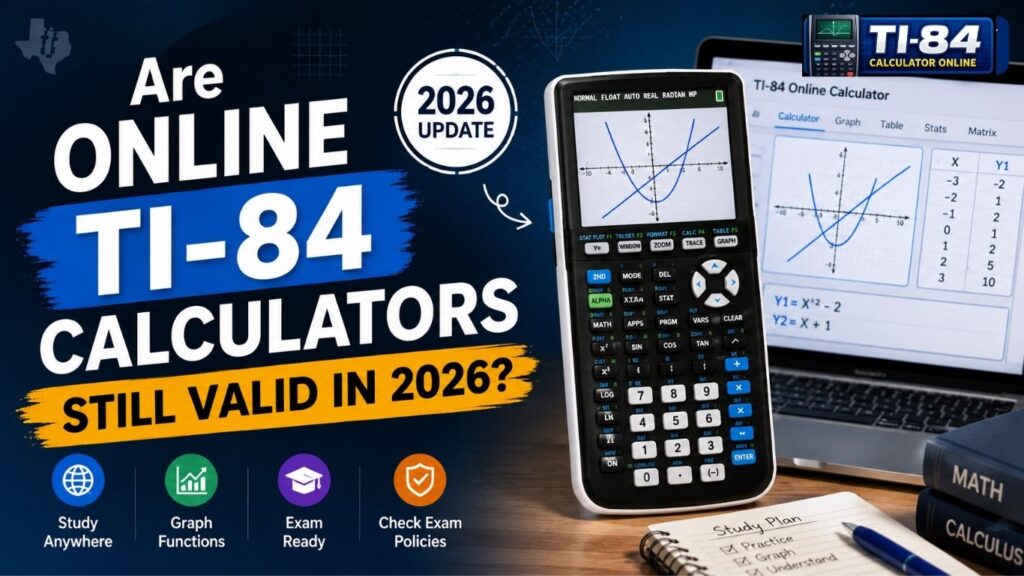
Are Online TI-84 Calculators Still Valid in 2026?
Yes, online TI-84 calculators are still valid for homework, practice, and classroom learning in 2026. But a browser-based TI-84 emulator is not a substitute for an approved calculator on the SAT, ACT, or AP Exams. Each testing organization sets its own rules for handheld and built-in digital calculators.
This website is independent and is not affiliated with or endorsed by Texas Instruments.
What Does “Valid” Actually Mean for an Online TI-84 Calculator?
It helps to separate two different situations:
- Homework, practice, or classwork: This is about learning and getting comfortable with tools like a virtual TI-84 graphing calculator.
- A proctored exam: Strict eligibility rules from the testing organization apply.
An online tool can be perfectly good for practice and still be unapproved for testing. That difference is the core of this guide.
Are Online TI-84 Calculators Valid for Homework and Classwork
Yes, provided your teacher allows digital tools. If you don’t own a physical unit, a web-based version lets you learn the familiar button layout and menus. You can try our free TI-84 calculator online for practice.
Table of Contents
What Students Use Online TI-84 Calculators For
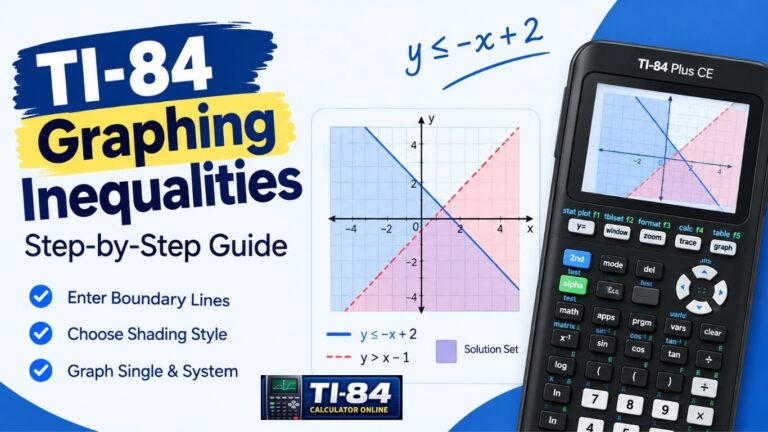
- Learning how to graph linear, quadratic, and trigonometric functions (see our TI-84 graphing calculator online guide)
- Practicing algebra and statistics homework
- Learning menus and key sequences with our how-to-use a TI-84 calculator walkthrough
- Reviewing steps shown in class
Teachers can also project an online calculator to demonstrate keypresses.
What Makes an Online TI-84 Calculator Valid for Practice?
Not every web tool is built the same way. Check whether it:
- Matches a genuine TI-84-style interface and key layout
- Emulates real hardware such as the TI-84 Plus CE
- Works smoothly in your browser, ideally as a TI-84 calculator without download
- Supports the features your coursework needs, such as graphing and statistics
These points separate “good for practice” from “approved for official testing.”
Are Online TI-84 Calculators Allowed on Exams? SAT, ACT, and AP Rules
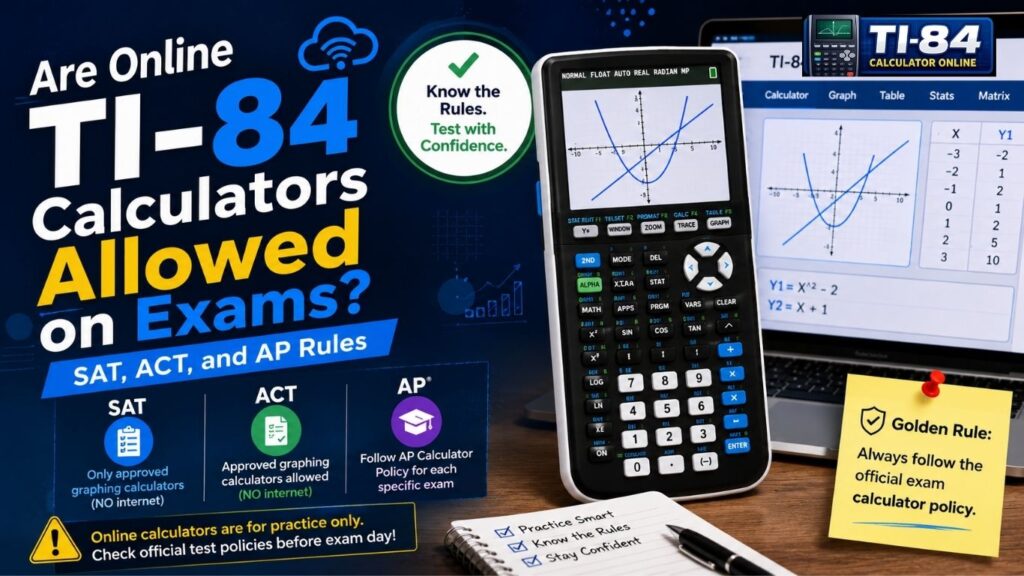
No. A separate browser-based emulator is not an approved calculator on any of these exams. Here is how the official policies compare:
| Exam | Built-in calculator | Handheld calculator | Browser-based emulator |
| Digital SAT | Desmos in Bluebook (graphing or scientific) | Non-CAS graphing, scientific, or 4-function | Not allowed (laptops, tablets, and internet-capable devices are prohibited) |
| ACT | Desmos graphing calculator on the online test (Math only) | Permitted models only; you bring your own | Not a permitted device |
| AP Exams | Desmos in Bluebook, on listed exams only | Approved list, up to 2 calculators | Only the built-in Bluebook Desmos is allowed, not web or app versions |
Digital SAT Calculator Policy
On the Math section, you can use the Desmos calculator in Bluebook, which lets you switch between graphing and scientific modes. You can also bring your own approved handheld calculator. Calculators are not allowed on the Reading and Writing section.
College Board no longer publishes a list of permitted graphing calculators. It allows non-CAS graphing, scientific, and 4-function calculators and publishes a list of prohibited ones instead. The TI-84 Plus CE has no CAS and is not on the prohibited list. You must still remove programs with algebra functionality and any stored documents. Laptops, tablets, cell phone calculator apps, and devices with wireless or internet capability are prohibited, so a browser emulator is not an option. Read the full College Board SAT calculator policy.
ACT Calculator Policy
Calculators are allowed only on the ACT Math test, and every problem can be solved without one. Students taking the ACT online have access to an on-screen calculator through the testing platform during the Math section. You can also bring your own permitted handheld calculator. Four-function, scientific, and graphing calculators are allowed unless specifically prohibited.
Calculators with computer algebra system (CAS) functionality, such as the TI-89, TI-92 series, TI-Nspire CAS, and HP Prime, are prohibited. If your calculator stores programs or documents, follow ACT’s instructions for removing restricted content. A separate browser-based TI-84 emulator cannot replace an authorized testing calculator. Check the official ACT calculator policy before test day.
AP Exam Calculator Policy
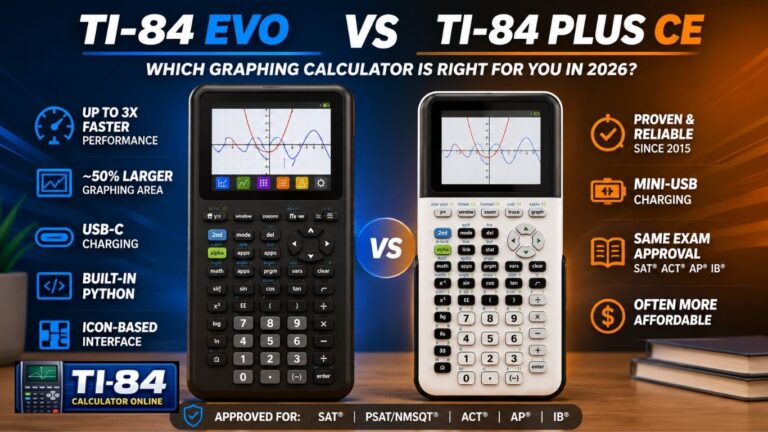
Calculators are allowed only on certain AP Exams. Where they are allowed, you can use an approved handheld calculator, the Desmos calculator built into Bluebook, or both. You can bring up to two handheld calculators. The TI-84 Plus, TI-84 Plus CE, and TI-84 Evo are on College Board’s approved graphing list.
During the exam, only the Bluebook version of Desmos can be used, not the web or app version. For Calculus AB, Calculus BC, and Precalculus, Desmos is available only in the calculator-required parts, and some parts allow no calculator at all.
Policies for 2027 differ by subject. Handheld calculators with storage, such as graphing calculators, are not allowed on AP Biology and AP Environmental Science. AP Statistics does not allow nongraphing calculatornon-graphingAP Exams calculator policy for your subject.
Online TI-84 Calculator vs. Physical TI-84: Key Differences
Online emulators copy the look of the device, but they are not identical:
| Feature | Online TI-84 emulator | Physical TI-84 calculator |
| Access | Instant, through a browser | Requires a physical unit |
| Cost | Varies: some independent tools are free, while TI’s official online calculator is a paid subscription | One-time purchase |
| Exam use | Cannot replace an approved test-day calculator | Can be used if it meets the exam’s current policy |
| Internet | Needs a browser and connection | Normal use needs no internet |
| Features | Vary by emulator and model | Depend on the specific model |
If a feature is missing online, it usually depends on which TI-84 model the emulator copies. For more on terminology, see our TI-84 simulator guide.If a feature is missing or works differently online, it usually depends on which TI-84 model the emulator is designed to match.
Which Online TI-84 Calculator Is Best for Practice?
Texas Instruments’ official option
TI offers the TI-84 Plus CE Online Calculator, a paid subscription (TI lists $20 per year for an individual). It runs in a browser on Chromebook, Windows, and Mac and requires you to sign in and activate a license. It does not include Python programming, EasyData sensor data collection, or TI-Innovator Hub programming, and calculator files can’t be sent to or saved from it. TI also lists a separate TI-84 Evo Online Calculator for the newer TI-84 Evo, so check TI’s site for current details and pricing.
Independent tools
Free web emulators exist, including ours. Our online TI-84 calculator is a browser-based TI-84 Plus CE emulator that is free and needs no account. It is an independent project, not an official TI product. Before relying on any tool, check that it supports the functions your course needs.
If your work depends on exact TI-84 Plus CE software behavior, TI’s official version is the safer choice.
Frequently Asked Questions
Online TI-84 Calculator FAQs
Are online TI-84 calculators still valid in 2026?
Can I use a TI-84 calculator online?
Are online TI-84 calculators allowed on the SAT?
Can I use an online TI-84 calculator on the ACT?
Can I use an online calculator during AP exams?
Is the TI-84 Plus CE allowed on the SAT, ACT, and AP exams?
Is a TI-84 calculator outdated?
Final Thoughts
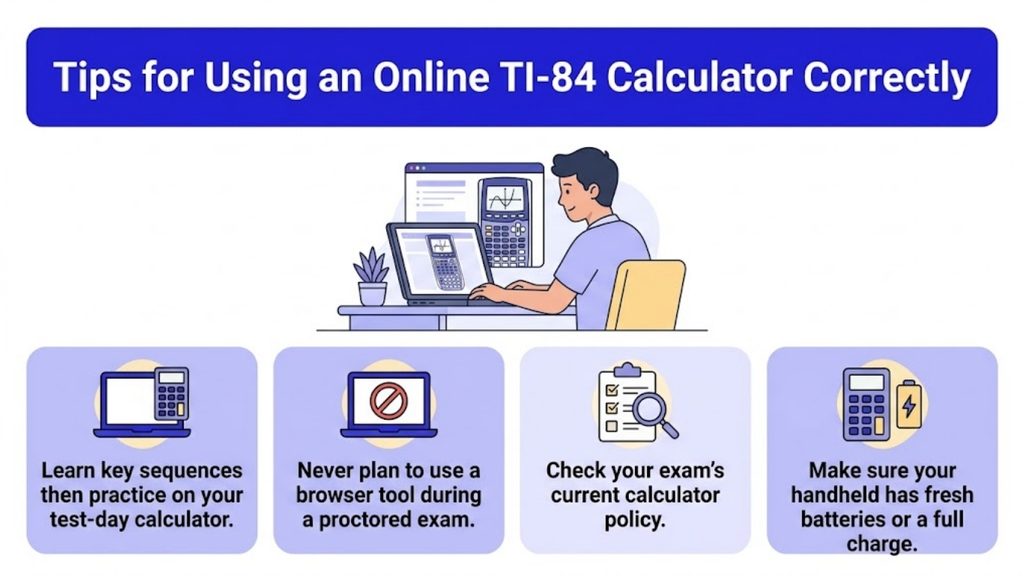
Online TI-84 calculators are useful for learning, practicing, and daily coursework. However, when taking official exams such as the SAT, ACT, or AP Exams, you must use the calculator options permitted by the specific testing organization. This may include an approved physical calculator or a calculator built into the official testing platform.
Knowing these rules ahead of time can help you avoid problems on test day. Because calculator policies can change, always verify the current requirements with the official testing organization before your exam.