TI-84 Calculator Emulator Online Free: What Works and What You Need
A TI-84 calculator emulator online free lets you run a TI-84 on your computer or phone. The free emulators covered in this guide need a compatible calculator ROM, which normally comes from a calculator you own. If you don’t have a TI-84, a free graphing tool like Desmos is the practical alternative.
What Is a TI-84 Calculator Emulator?
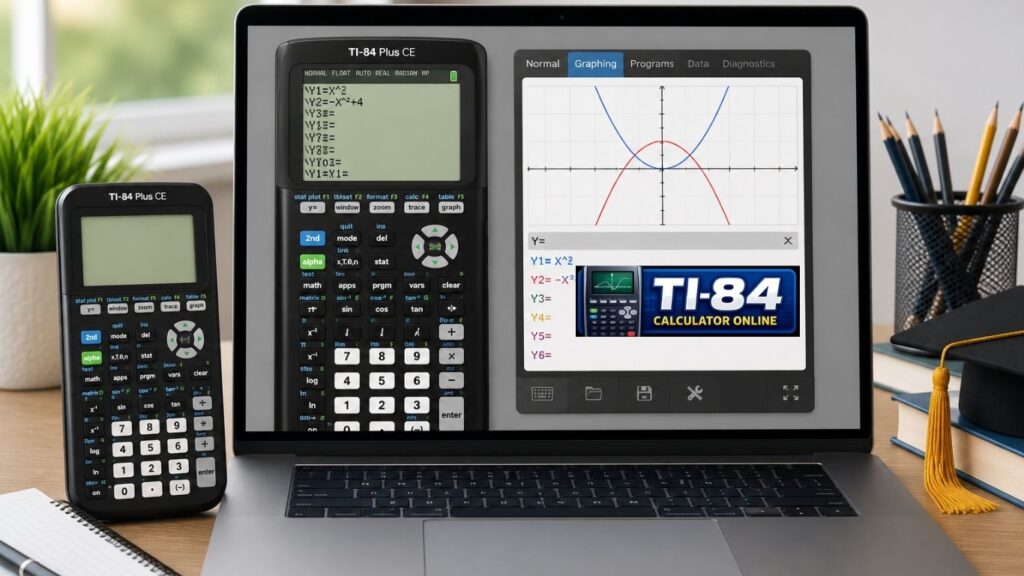
A TI-84 emulator is software that reproduces a TI-84’s screen, buttons, and behavior on another device. It runs the calculator’s actual operating system, so menus and keystrokes match the real thing.The TI-84 Plus and TI-84 Plus CE use different hardware, so an emulator built for one will not run the other.
Emulator vs. Simulator
An emulator runs the original calculator software. A simulator only imitates the look or some functions.
- Emulator: best for practicing the exact menus and keystrokes of your model.
- Simulator: fine for basic graphing and homework, but it may lack menus or features.
Do You Need a ROM?
For the free emulators in this guide, yes. A ROM is a copy of the calculator’s operating system. CEmu, Wabbitemu, and jsTIfied each require a compatible one, and each project explains how to get or load it.
- CEmu: it needs a ROM from your own calculator and includes a ROM dump wizard.
- Wabbitemu: its setup wizard can help you create a ROM image.
- jsTIfied: you load your own ROM, and it stays in your browser rather than being uploaded.
Follow each emulator’s official instructions to obtain or transfer a compatible ROM from your calculator. The steps depend on your model, your connection, and the software version. Avoid ROM downloads from random sites, because they can be unlicensed or unsafe.
Best TI-84 Calculator Emulator
CEmu (TI-84 Plus CE)
It is a free, open-source, third-party emulator for the TI-84 Plus CE and TI-83 Premium CE. It runs natively on Windows, macOS and Linux. It is not a TI product. It is focused on developer features such as debugging, but it also offers color skins, screen capture and file transfer.
Wabbitemu (TI-84 Plus and older)
It supports the TI-73, 81, 82, 83, 83 Plus, TI-84 Plus, TI-84 Plus Silver Edition, 85, and 86. The project lists Windows, Mac, and Android. Check the available releases and whether they work on your operating system. It does not emulate the color TI-84 Plus CE.
jsTIfied (browser-based)
It runs in your browser with no installation. It emulates the TI-83 Plus, TI-84 Plus and their Silver Editions, but not the CE. You must load your own ROM.
Official TI options (paid)
The TI-84 Plus CE Online Calculator runs in the Chrome browser on a subscription. TI-SmartView CE is classroom software for teachers. The online calculator does not support Python programming. Check TI’s website for current pricing.
TI-84 Emulator Comparison
| Tool | Models | Platform | Cost | ROM needed |
| CEmu | TI-84 Plus CE, TI-83 Premium CE | Windows, macOS, Linux | Free | Yes (from your calculator) |
| Wabbitemu | TI-84 Plus and older TI models | Windows, Mac, Android | Free | Yes |
| jsTIfied | TI-83 Plus, TI-84 Plus (and Silver Editions) | Browser | Free | Yes |
| TI-84 Plus CE Online Calculator | TI-84 Plus CE | Chrome browser | Paid subscription | No |
| TI-SmartView CE | TI-84 Plus family | Windows, macOS | Paid | No |
TI-84 Plus CE → CEmu or the official TI option. TI-84 Plus → Wabbitemu or jsTIfied. No calculator → Desmos.
TI-84 Plus vs TI-84 Plus CE
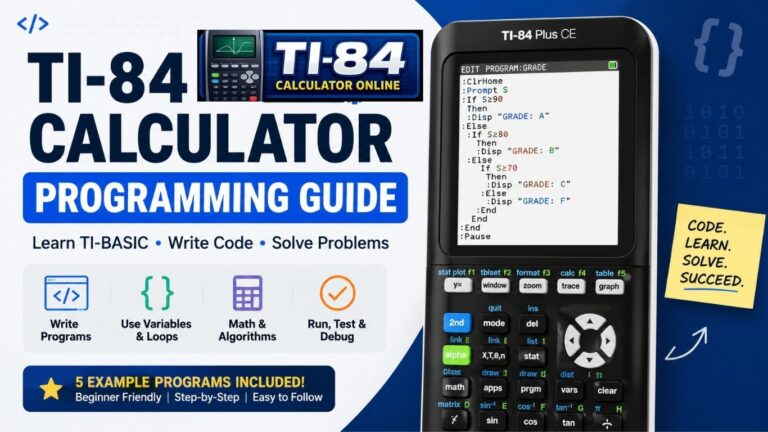
The TI-84 Plus has a monochrome screen and older hardware. The TI-84 Plus CE has a color screen and a different system. They need different emulators. Newer CE models also support Python programming. See our TI-84 calculator programming guide.
Is a TI-84 Emulator Legal?
The emulator software is generally legal, but the calculator OS is copyrighted. To stay safe:
- Use a ROM from a calculator you own.
- Never share ROM files.
- Follow each emulator’s license.
- Check your school’s rules for coursework.
Can You Use an Emulator on the SAT?
No, not in practice. The Digital SAT includes a built-in Desmos graphing calculator, and you may also bring an approved handheld calculator. College Board does not allow tablets, laptops (without an approved accommodation), or phone calculator apps. Because policies can change as often as yearly, check the College Board calculator policy before test day.
TI-84 vs. Desmos
Choose the TI-84 if your class teaches it. Choose Desmos for fast, interactive graphing without a ROM.
- TI-84: matches the menus and workflows teachers demonstrate, and it is allowed on many exams.
- Desmos: free, instant, easy to edit, and built into the Digital SAT.
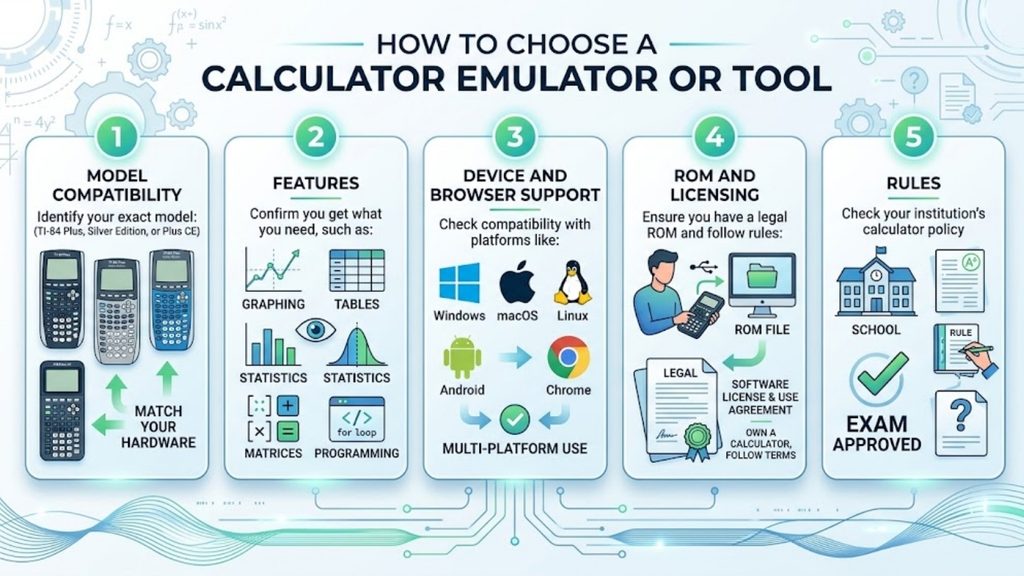
How to Choose
Common Problems
- It asks for a ROM: follow the emulator’s official instructions to obtain one from your own calculator.
- The emulator won’t load my ROM: check that the model matches, since a CE ROM won’t load in Wabbitemu or jsTIfied.
- A feature is missing: you may be using a simulator, not a full emulator.
- Trig answers look wrong: check degrees vs. radians mode.
- Physical calculator is frozen: follow the official reset steps for your model.
Frequently Asked Questions
Is there an online TI-84 calculator free?
What is a TI-84 emulator?
Is a TI-84 calculator outdated?
What is the best app for using a TI-84 calculator?
What is the best free TI-84 emulator?
Is an emulator the same as a simulator?
Conclusion
The best TI-84 calculator emulator online free depends on your calculator model. Use CEmu for the TI-84 Plus CE, and Wabbitemu or jsTIfied for older TI-84 Plus models. These need a ROM from a calculator you own, so if you don’t have one, Desmos or a basic browser simulator is easier. TI’s official TI-84 Plus CE Online Calculator and TI-SmartView CE are paid licensed products.
Use the “How to Choose” checklist above before you decide. If you’d rather not install anything, try a TI-84 calculator online or read how to use a TI-84 calculator without download.
2 Comments